What the axios Compromise Should Change About How You Pick a Documentation Tool
On March 31, 2026, axios — one of the most-downloaded packages on npm — was compromised via maintainer credential theft. That incident, and the 1.2M+ malicious packages now blocked cumulatively across the registry, make a devDependency's own dependency tree a real audit question, not a nitpick. Here's how to actually check one, using jsdoc-scribe's package.json as the worked example.
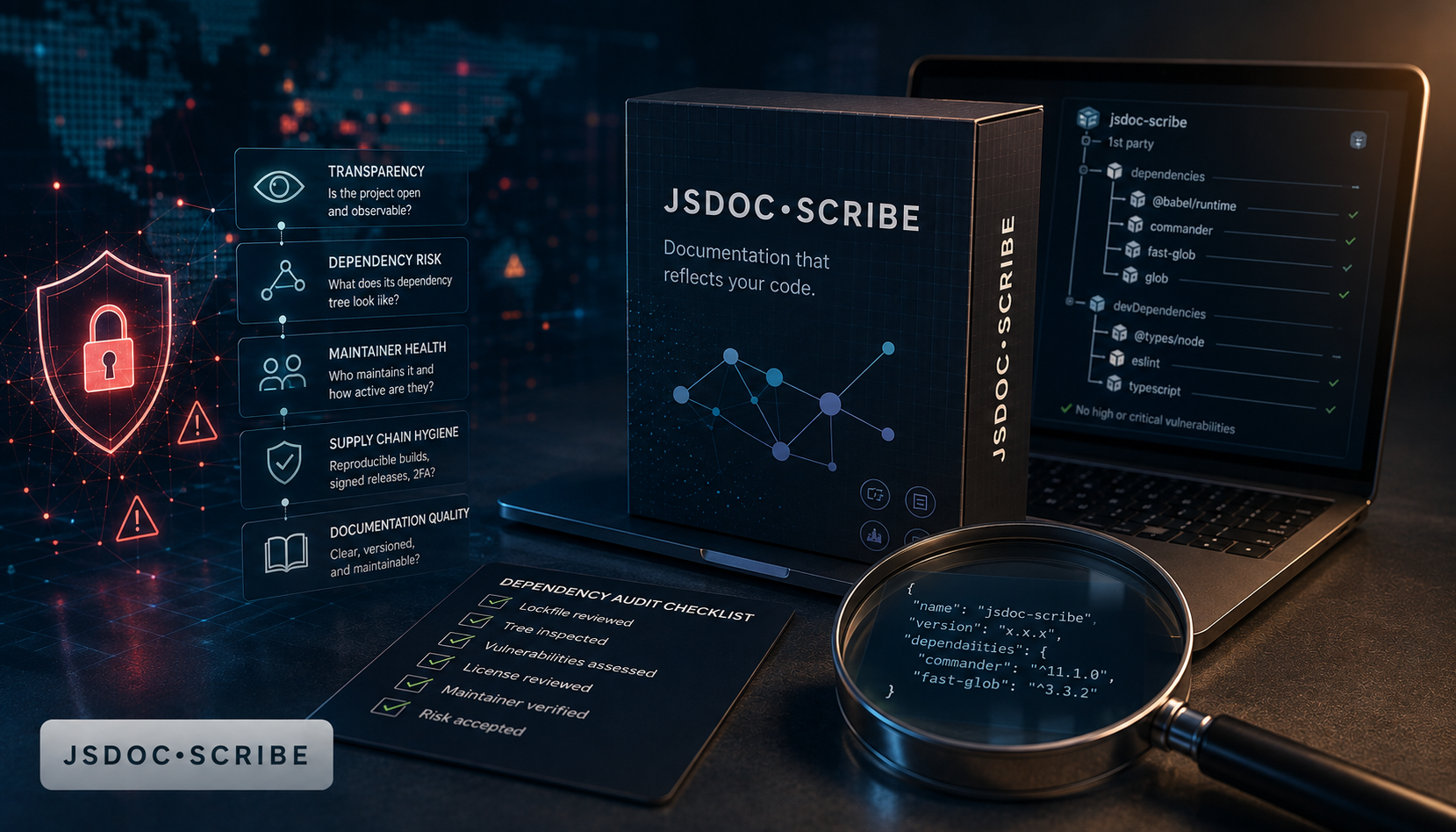
On March 31, 2026, axios — a package with roughly 100 million weekly downloads, sitting quietly in the dependency tree of a huge share of the JavaScript ecosystem — was compromised. Not through a code vulnerability someone found and exploited. Through maintainer credential theft: an attacker got hold of publish access and pushed a malicious version straight to npm, no pull request, no code review, no CVE to catch beforehand. Anyone who ran npm install in the window before it was pulled got the compromised version, trusted implicitly because the package name was one they already trusted.
This is a different threat model from the one most developer-tooling evaluations think about in 2026. It has nothing to do with AI. It's not about whether a tool sends your source code to a language model — that's a real and separate risk, and one worth its own checklist. This is older and, in a specific way, harder to defend against: a package you already decided to trust gets taken over by someone else, and the trust doesn't automatically expire.
The scale of it, in 2026 specifically
The axios incident wasn't isolated. Per Zscaler ThreatLabz's March 2026 research and aggregated 2026 supply-chain statistics, the registry has now seen over 1.2 million cumulative malicious packages blocked — a 75% jump year-over-year — and the first half of 2026 alone produced 37 distinct attack campaigns and 497 indexed malicious packages, roughly 2.6 times the campaign count of the entirety of 2025. A related campaign traced to ngx-bootstrap@18.1.4 (around 300,000 weekly downloads) is believed to be patient zero for a wave that went on to compromise over 500 npm packages through a similar maintainer-credential-theft pattern. The average cost to contain a supply-chain compromise once it's found is $4.91 million, with an average dwell time of 267 days before anyone notices.
Two things follow from that. First, npm audit doesn't catch this category of attack — it matches against known CVEs, and a freshly compromised package with no advisory filed yet doesn't have one. Second, the honest mitigation isn't "trust popular packages" — axios was about as trusted as a package gets — it's reducing the number of packages you're trusting in the first place, and being able to say precisely which ones and why.
What that means for picking a documentation tool
A documentation generator is an unusually good test case for this, because it's a devDependency that typically runs with broad filesystem access — it reads your entire source tree — and it's rarely the package a security review looks at first. eslint, webpack, jest: those get scrutinized. A JSDoc generator tends to get installed because it does what it says on the README, without anyone opening node_modules to see what came along with it.
So it's worth actually doing that check. Here's the practical version, runnable on any package before you add it:
npm view <package> dependencies      # direct runtime deps, no install needed
npm install <package> --dry-run      # see what would actually land in node_modules
npm ls --all                         # after install, see the full resolved tree
Run that against typedoc, the closest mainstream comparison to jsdoc-scribe, and its package.json (confirmed directly from the TypeStrong/typedoc GitHub repository) lists five direct runtime dependencies beyond its TypeScript peer dependency: @gerrit0/mini-shiki for syntax highlighting, lunr for building a search index, minimatch for glob matching, markdown-it for Markdown parsing, and yaml. None of those are obscure or poorly maintained — they're reputable, actively developed packages, and nothing here is a claim that TypeDoc is unsafe. It's a fully reasonable set of dependencies for a tool that renders a themed, searchable HTML site. But each one is a separate publish pipeline, a separate maintainer or maintainer group, and a separate thing that has to stay uncompromised for the whole chain to be trustworthy — and each of those packages has its own transitive dependencies underneath it, which is where a tree this size gets genuinely hard for one team to fully audit by hand.
Run the same check against jsdoc-scribe, and the answer is one line: typescript, used exclusively as a parser via its Compiler API to walk the Abstract Syntax Tree — nothing more, no runtime behavior beyond parsing. It's a dependency almost every TypeScript or JavaScript project already has in its tree for the compiler itself, so for most teams it adds literally zero new packages to trust. The optional --quality code-health dashboard pulls in code-multivitals, but it's declared as an explicit, opt-in peerDependency with optional: true in peerDependenciesMeta — it only enters your tree if you deliberately install it, not as a side effect of installing the base tool.
Why "no network calls" and "one dependency" are two different guarantees
It's worth being precise about what each property actually rules out, because they cover different attack surfaces. Zero network calls — jsdoc-scribe never makes an outbound request in its own code path — rules out data exfiltration: nothing you feed it can leave the machine while it's running, regardless of what's in its dependency tree. A minimal, audited dependency tree rules out a different thing: a compromised transitive package silently altering what the tool does, without exfiltration necessarily being part of the attack at all. The axios incident is a supply-chain-integrity problem, not primarily a data-exfiltration one — the risk is a tampered package changing behavior, and a smaller tree is directly, mechanically fewer places for that to happen. A tool needs both properties to close both gaps; having one doesn't substitute for the other.
A checklist that isn't specific to documentation tools
None of this is really about documentation generators specifically. The same three commands above are worth running against any new devDependency in 2026, not just this category — a linter, a bundler plugin, a test reporter. The questions worth asking before npm install are consistent: how many direct dependencies does this pull in, do I recognize and trust each one, and does the tool need network access to do its job at all. jsdoc-scribe happens to answer all three about as favorably as a tool that has to parse TypeScript can: one dependency, a package almost every consumer already trusts, and zero network calls by construction — not a policy, an absence from the code path.
Bottom line
The axios compromise wasn't a fringe event in a niche package — it hit one of the most trusted names in the entire npm registry, through the oldest attack vector there is: a maintainer's credentials, not a code flaw. In a year where the registry has blocked over 1.2 million malicious packages and 2026's first half alone produced more attack campaigns than all of 2025, "I recognize this package's name" stopped being a sufficient trust signal on its own. Run npm view <package> dependencies before the next npm install. It takes ten seconds, and it's the same audit worth applying to a documentation generator as to anything else in devDependencies.
npx jsdoc-scribe . --write            # try it once, no install
npm install --save-dev jsdoc-scribe   # add it to the project